Turn a Nuance PowerMic (or any USB mic or foot pedal) into a programmable controller for your Mac. Per-app profiles, one-click dictation setup, and ready-made templates.
macOS 14 or later. Works with Nuance PowerMic II / III / IV and other USB HID devices.
The Nuance PowerMic is a fantastic dictation handset — but on a Mac its buttons only work inside Dragon. Everywhere else they're dead, and Karabiner can't remap them. Dictation Mapper grabs that interface directly, so every button can do anything — and do something different depending on which app is in front.
The same button does different things depending on the frontmost app. Profiles switch automatically.
Record fires Claude's built-in dictation in Claude, Wispr or Apple Dictation elsewhere, Dragon in your EHR.
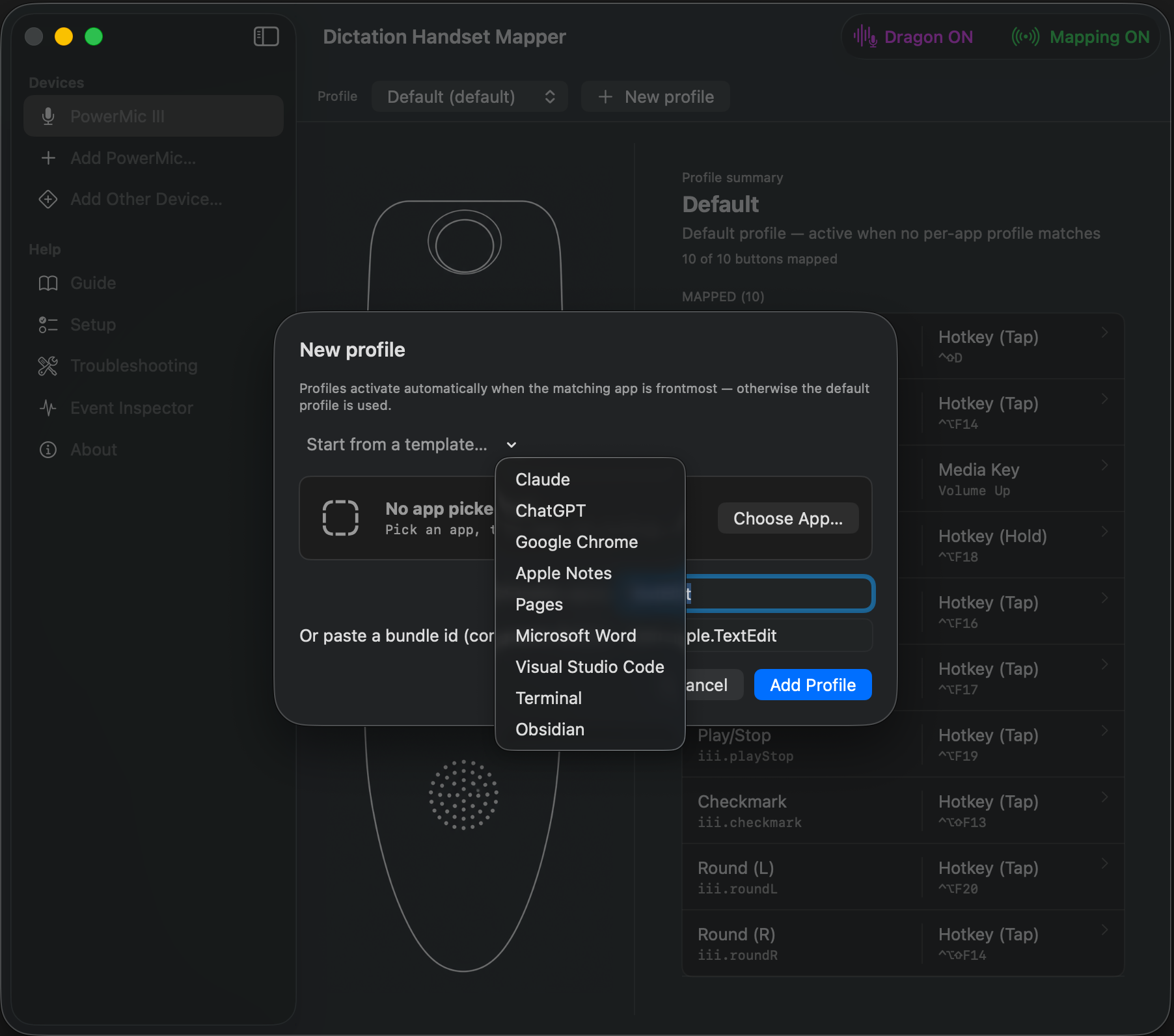
One-click profiles for Claude, ChatGPT, Chrome, Notes, Pages, Word, VS Code, Terminal, and Obsidian.
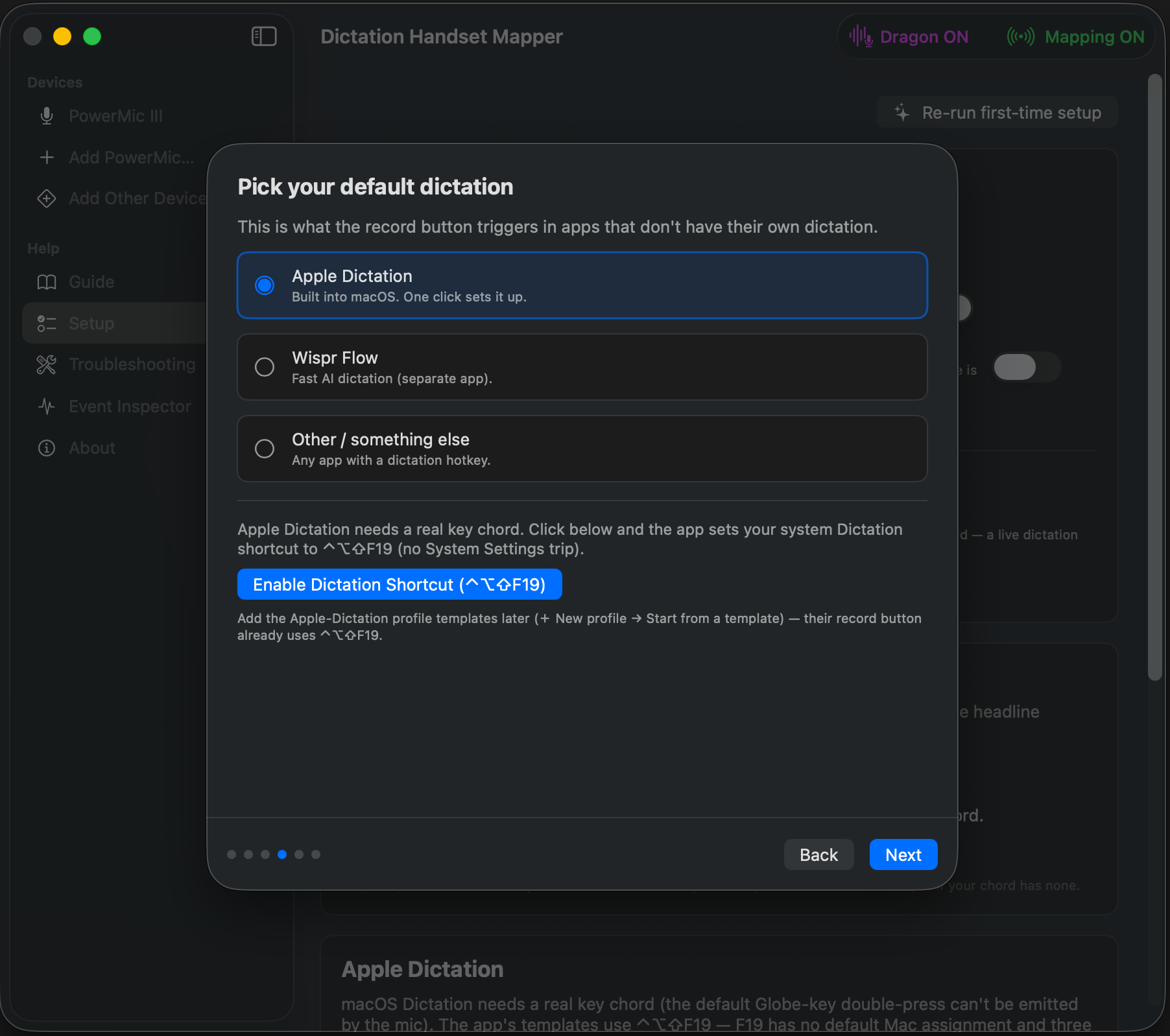
Sets the system Dictation shortcut for you — no digging through System Settings.
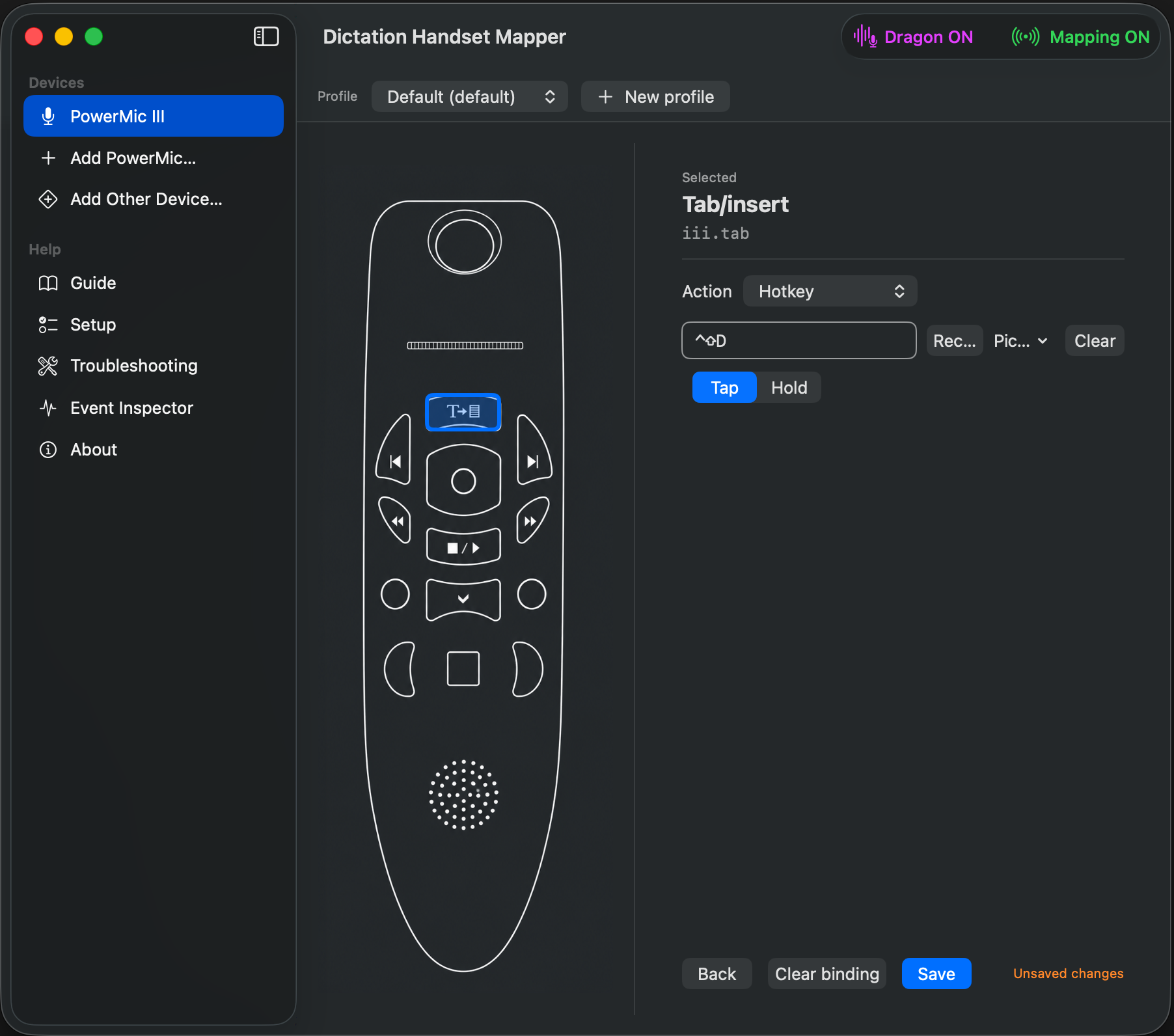
Keyboard shortcut, multi-key macro, type text, launch app, run a Shortcut, shell script, media keys, or nothing.
Lights the handset's record LED while active, or only while you hold record — a live "I'm dictating" cue.
One toggle makes every button speak Dragon's language for Hyperspace / Dragon Medical.
Probe a foot pedal, Stream Deck, or remote and map its buttons the same way.
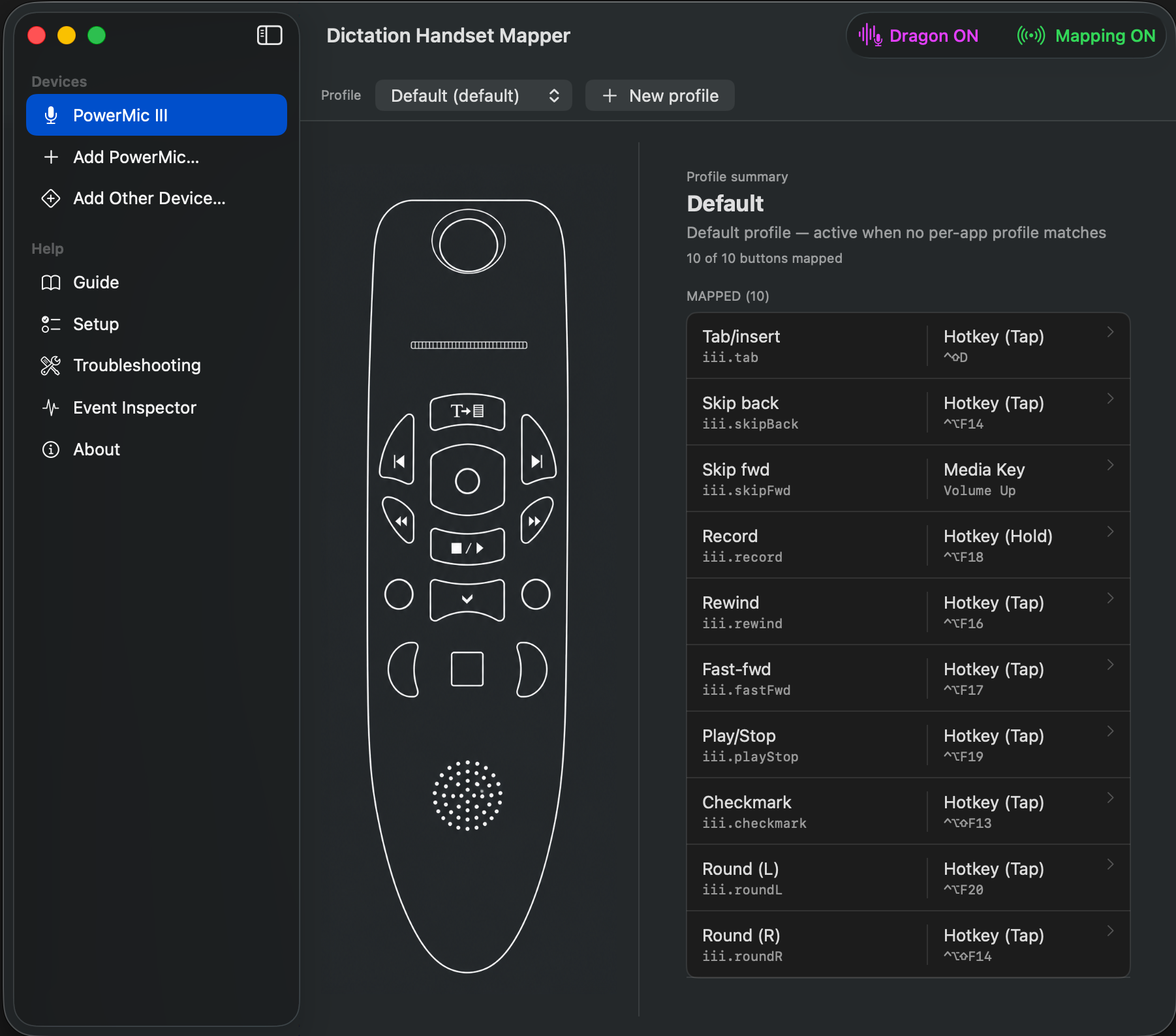
Profiles activate by frontmost app, so the same physical record button triggers a different dictation engine depending on what you're using. You never think about it — you just press record.
Dictate in Dragon inside the EHR, switch to Claude to draft a letter, jot in Apple Notes — same record button, right engine every time.
Hold record for Wispr Flow; let go to stop. Hands stay home on the keyboard.
Transport buttons become undo/redo, find, and command palette in VS Code; back/forward and new-tab in Chrome.
Map a USB pedal to push-to-talk so your hands never leave the keyboard.
Plug in your handset; grant Input Monitoring + Accessibility once.
Click a button on the on-screen handset and choose an action, or start from a built-in app template.
Your buttons now fire your mappings, automatically per app.


macOS 14 or later. Works with Nuance PowerMic II / III / IV and other USB HID devices.
Free 14-day trial, every feature included. Keep it with a one-time license — no subscription.
Download for macOSFirst launch: right-click → Open (the app is signed but not yet App-Store distributed). Grant Input Monitoring and Accessibility when asked.
Yes — that's the point. Dragon isn't required.
Nuance PowerMic II / III / IV, plus any USB HID device you probe.
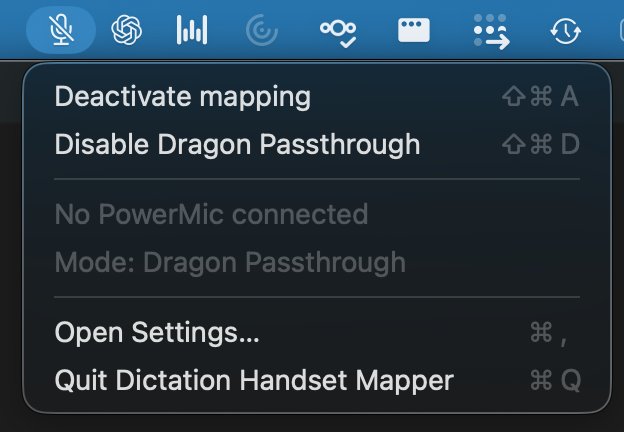
No — there's an optional Dragon Passthrough mode if you want it.
macOS 14 (Sonoma) or later.